
Companies and worksites
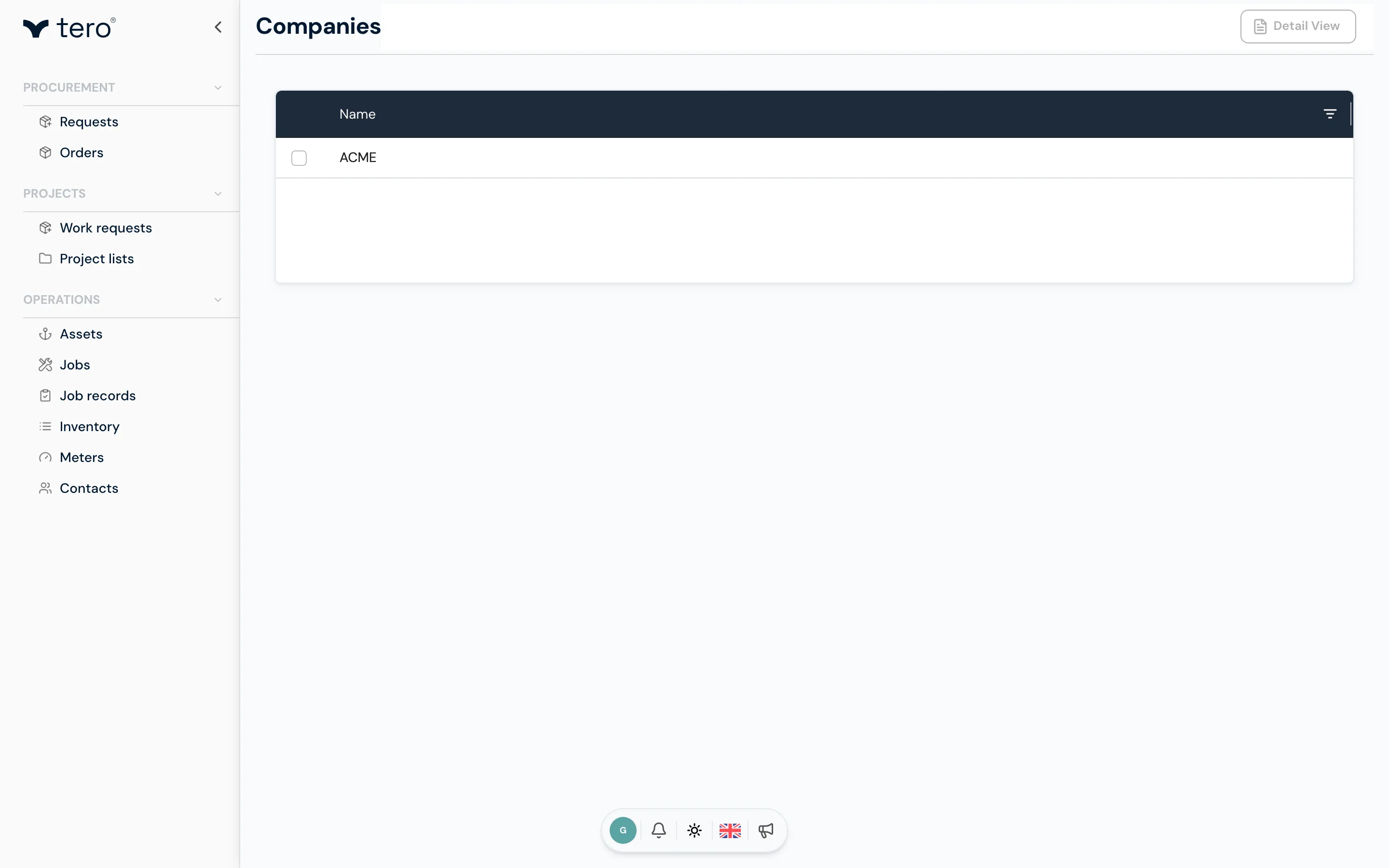
A company is the top-level container in Tero.Ops. It owns one or more worksites. Most users belong to a single worksite within a single company; fleet managers and procurement officers often have access to multiple worksites under one company.
The company list
Companies are managed by Tero staff. Tero staff see Companies under Admin tools in the sidebar; company admins don’t see a company list.
The worksite list
Company admins see Worksites at the top of the sidebar, in the group without a heading. It shows each worksite in your company as a card.
Creating a worksite
On the Worksites page, click + New Worksite. Tero staff can also open a company and click Add Worksite in its worksites section.
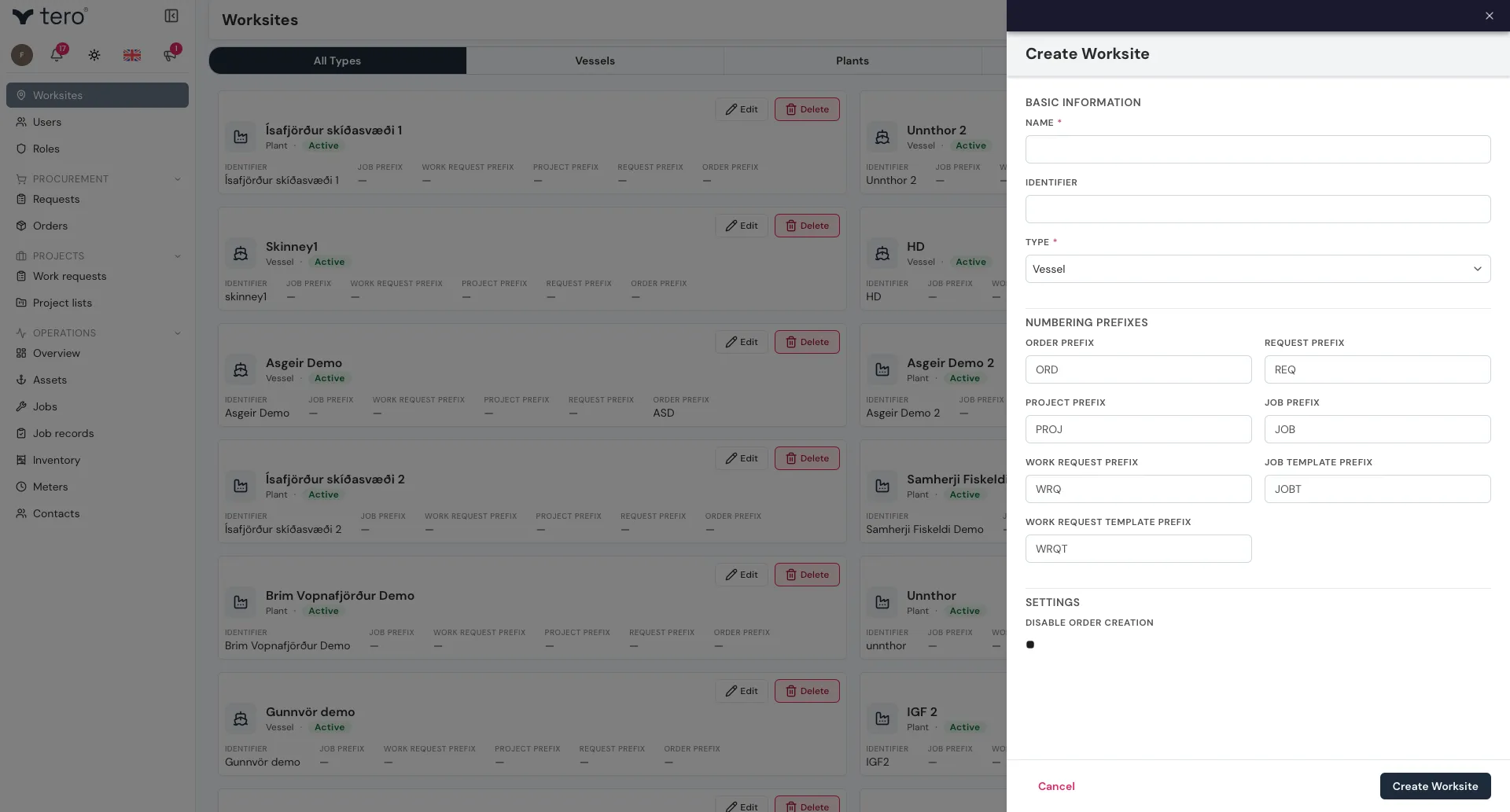
The form is grouped into sections.
Basic Information
- Name — vessel name, site name
- Identifier — short code (e.g. IMO number, internal ID)
- Type — Vessel, Fish Farm, Plant or Warehouse
Numbering Prefixes
The prefixes Tero puts on the numbers it generates. There is one for each kind of record:
Order Prefix · Request Prefix · Project Prefix · Job Prefix · Work Request Prefix · Job Template Prefix · Work Request Template Prefix
Settings
- Disable Order Creation — a checkbox. Tick it on a worksite that should not raise its own orders, for example a vessel whose ordering is done ashore.
Order documents
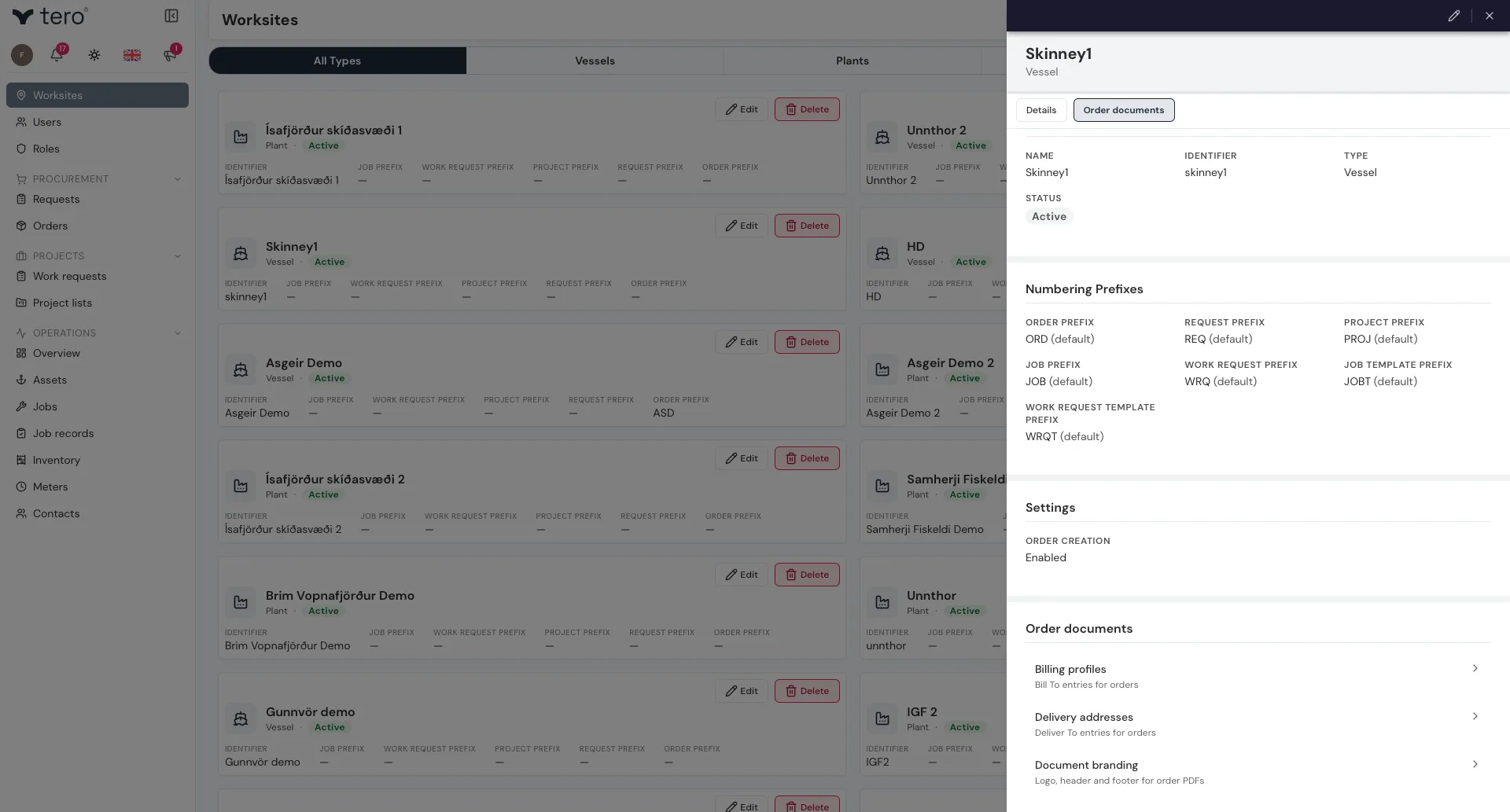
Order documents are not part of the worksite form. Open the worksite to view it, and the Order documents section appears on the worksite’s own page with three entries:
- Billing profiles — the Bill To entries available on this worksite’s orders
- Delivery addresses — the Deliver To entries
- Document branding — logo, header and footer for order PDFs
The section only appears if you can read at least one of those three; otherwise it is hidden entirely.
Linking users to worksites
A worksite is empty until you invite users into it. See Adding users and assigning roles for the invite flow.