
Job templates
A job template is the plan behind a recurring job: what the work is, which asset it’s on, who does it, and when it repeats. Every recurring job you schedule (see Setting up preventive maintenance) is saved as a job template, and the template produces the individual jobs.
Job Templates list
Job templates aren’t in the sidebar. Open Operations → Jobs and click View schedules. An asset’s own templates are also on its Schedules tab.
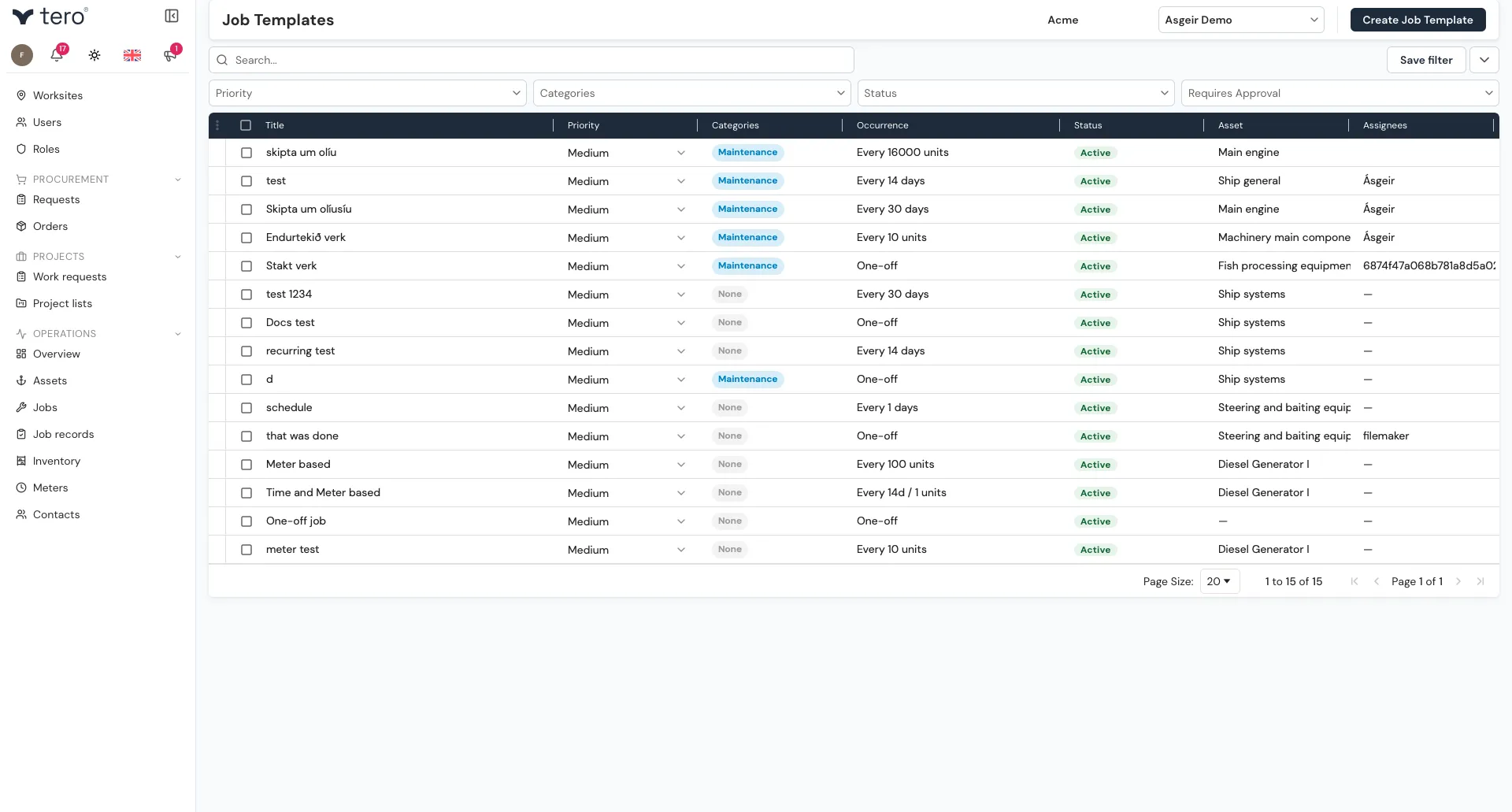
Each row shows the template’s title, priority, categories, recurrence, status (Active or Paused), asset, and assignees. You can filter by Priority, Categories, Status, and Requires Approval.
Creating a template
Click Create Job Template. It opens the same form as Schedule Job on the Jobs page — job details, an asset, the recurrence trigger, and assignment. See Setting up preventive maintenance for the schedule options.
Click Schedule job to save.
Generating a job now
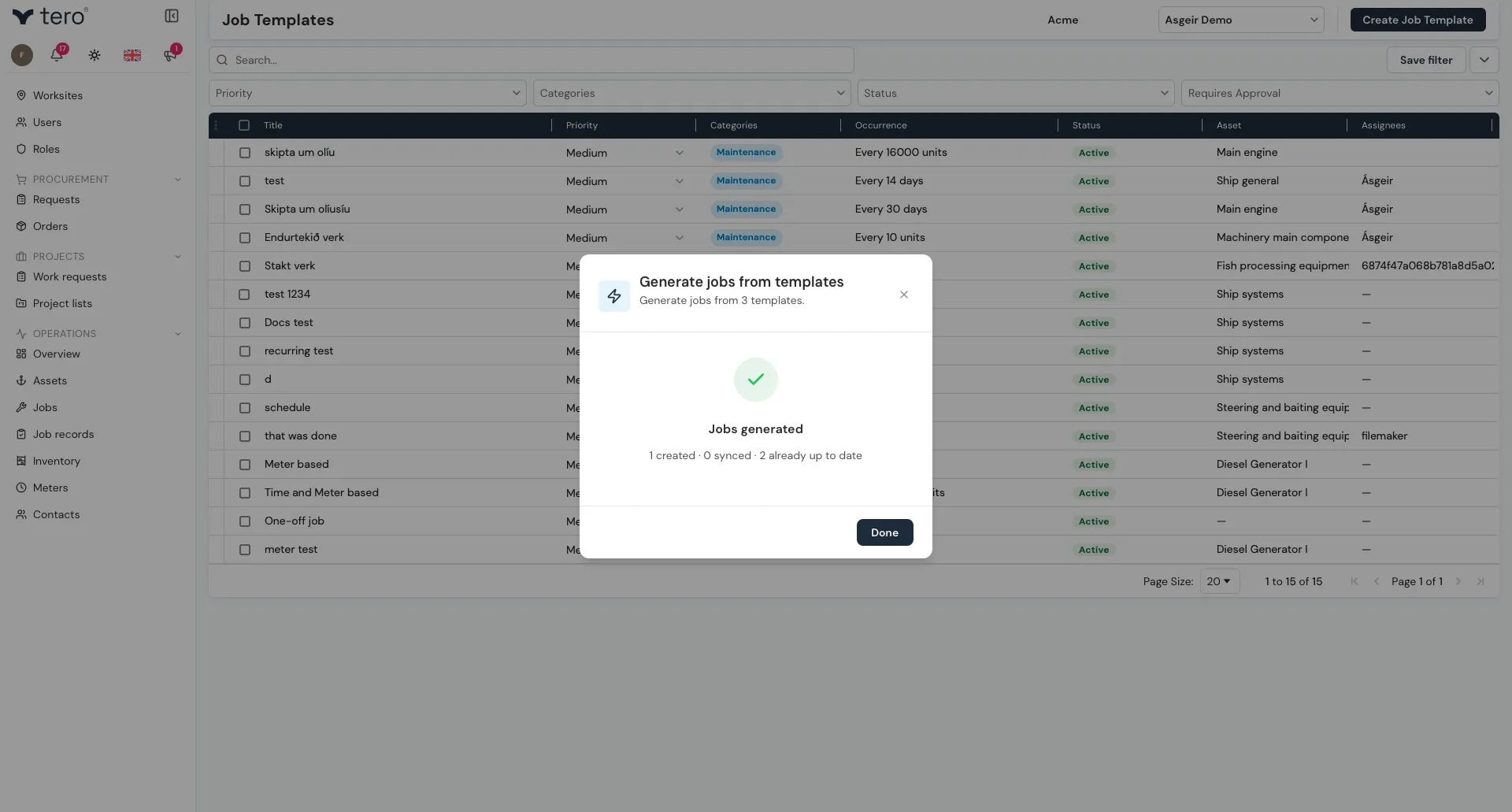
Normally the template produces jobs on its own schedule. To create the template’s job straight away, click the three vertical dots (⋮) at the start of its row and choose Generate Job, then confirm with Generate. To do several at once, tick their checkboxes first and use the three vertical dots (⋮) in the list’s header row.
If the template already has an open job, Tero updates that job to match the template instead of creating a second one.
Pausing a template
To stop a template producing jobs for a while, click the pause icon (two vertical bars) on its row. Its status changes to Paused. Click the play icon (a right-pointing triangle) to Activate it again.
Editing a template
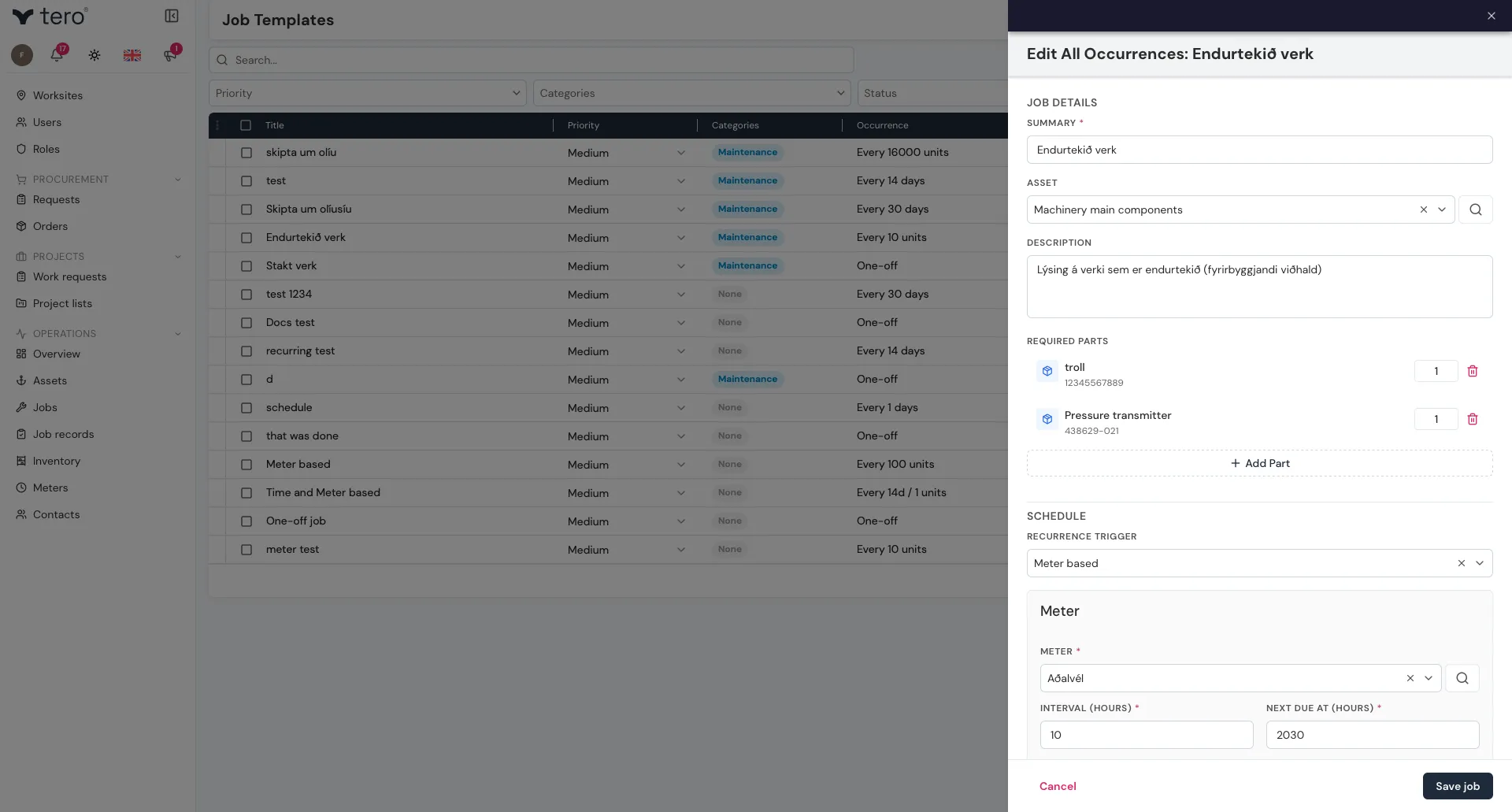
Click the three vertical dots (⋮) at the start of its row and choose Edit. From a job that came from a template, you can also click the edit-document icon (Edit All Occurrences) at the top of the job’s side panel.
Best practices
- One template per type of work. Don’t combine “engine service” and “deck inspection” into one template.
- Keep descriptions specific. Vague templates produce vague jobs.
- Update templates when procedures change. They’re meant to evolve.