
PDF reports
Many Tero.Ops records and lists can be exported to PDF for compliance, audits, hand-overs, or just to share with someone who isn’t in Tero.
Exporting a single record
Jobs, job records, work requests, orders, and projects can each be exported on their own. Click the three vertical dots (⋮) at the start of the record’s row and choose Export PDF, or open the record and click the document icon at the top of its side panel (a page with a down arrow on jobs, work requests, and projects; a page with lines on job records and orders).
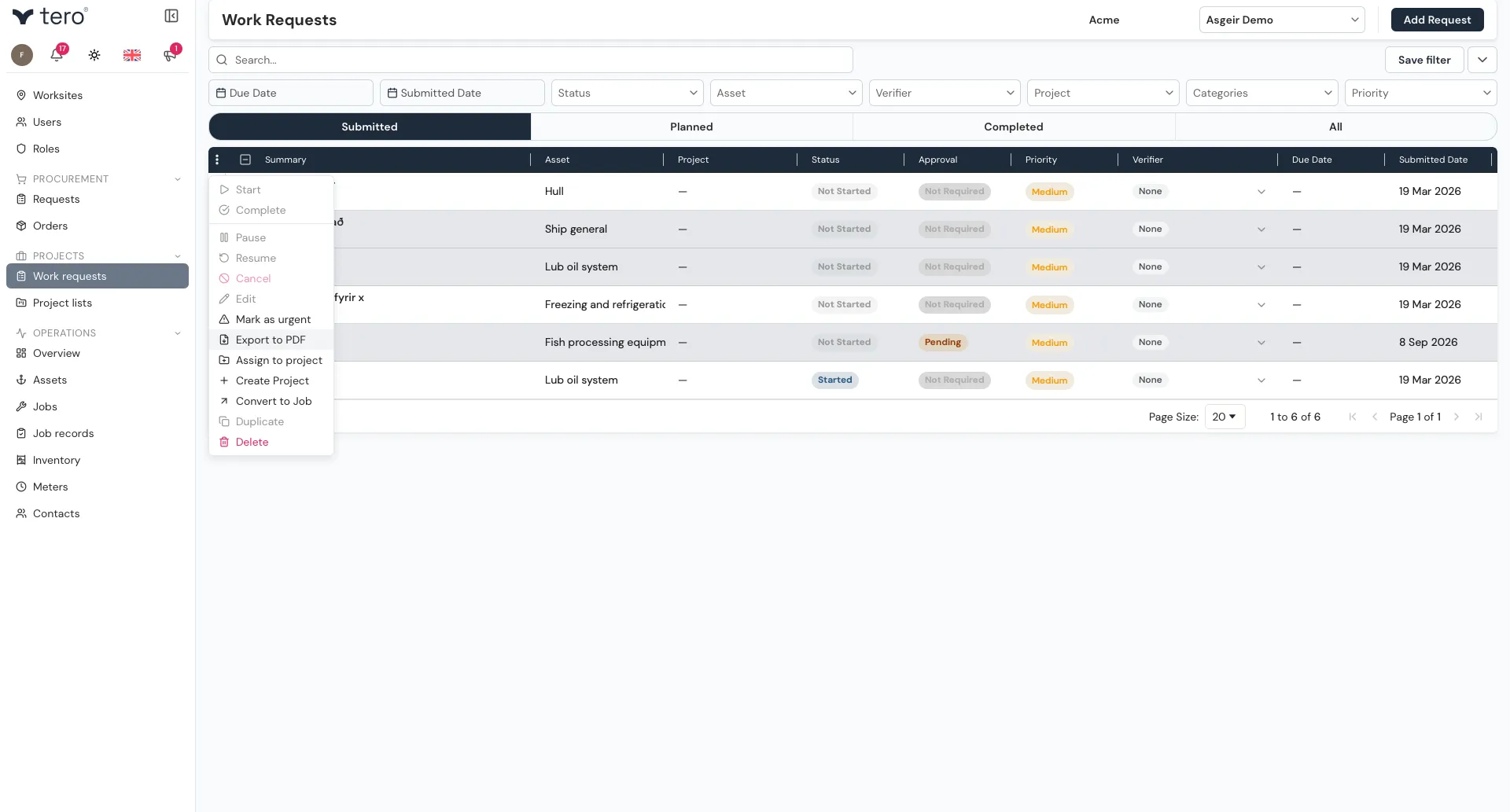
An export dialog opens where you choose what to include:
| Record | Options |
|---|---|
| Job, job record, work request | Include activity log (comments and activity history), Include attachment list |
| Order | Activity log, Attachments. The order lines are always included. |
| Project | Work Requests, Activity Log, Attachments |
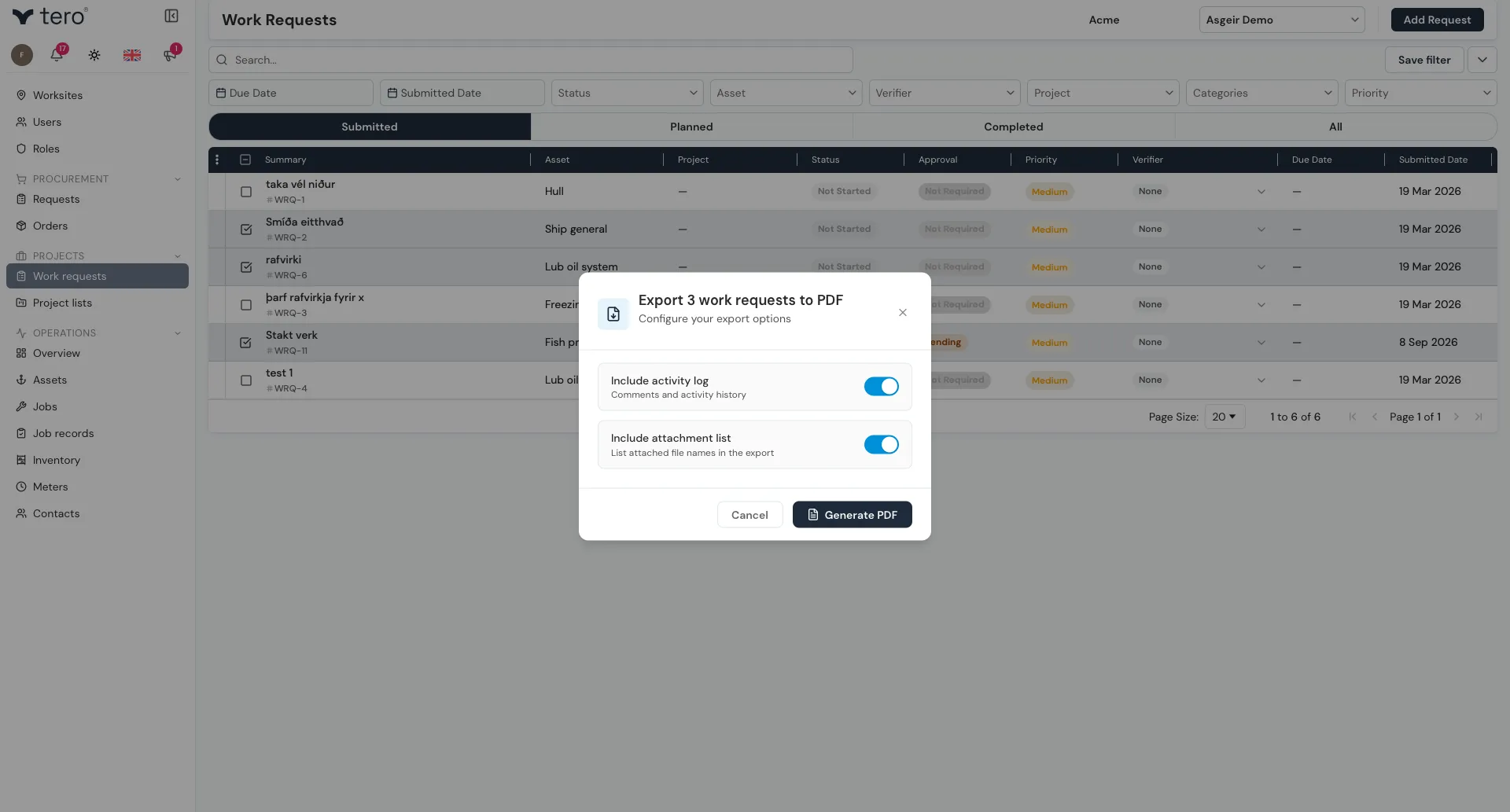
Click Generate PDF, then Download when the file is ready.
Exporting selected rows
On the Jobs, Contacts, and Inventory pages, and on an asset’s Sub-assets tab, you can export a list of just the rows you choose.
- In the list, tick the rows you want.
- Click the three vertical dots (⋮) in the list’s header row and choose Export selected to PDF.
- The export dialog opens. Reports print on A4 in portrait by default. If your rows have a lot of columns, turn on Landscape orientation for a wider layout that fits more columns per page.
- Click Generate PDF, then Download when the file is ready.
Each list exports a set of columns chosen for that kind of record. Your company name is shown in the header, and every page is numbered in the footer.
Common report types
Job record
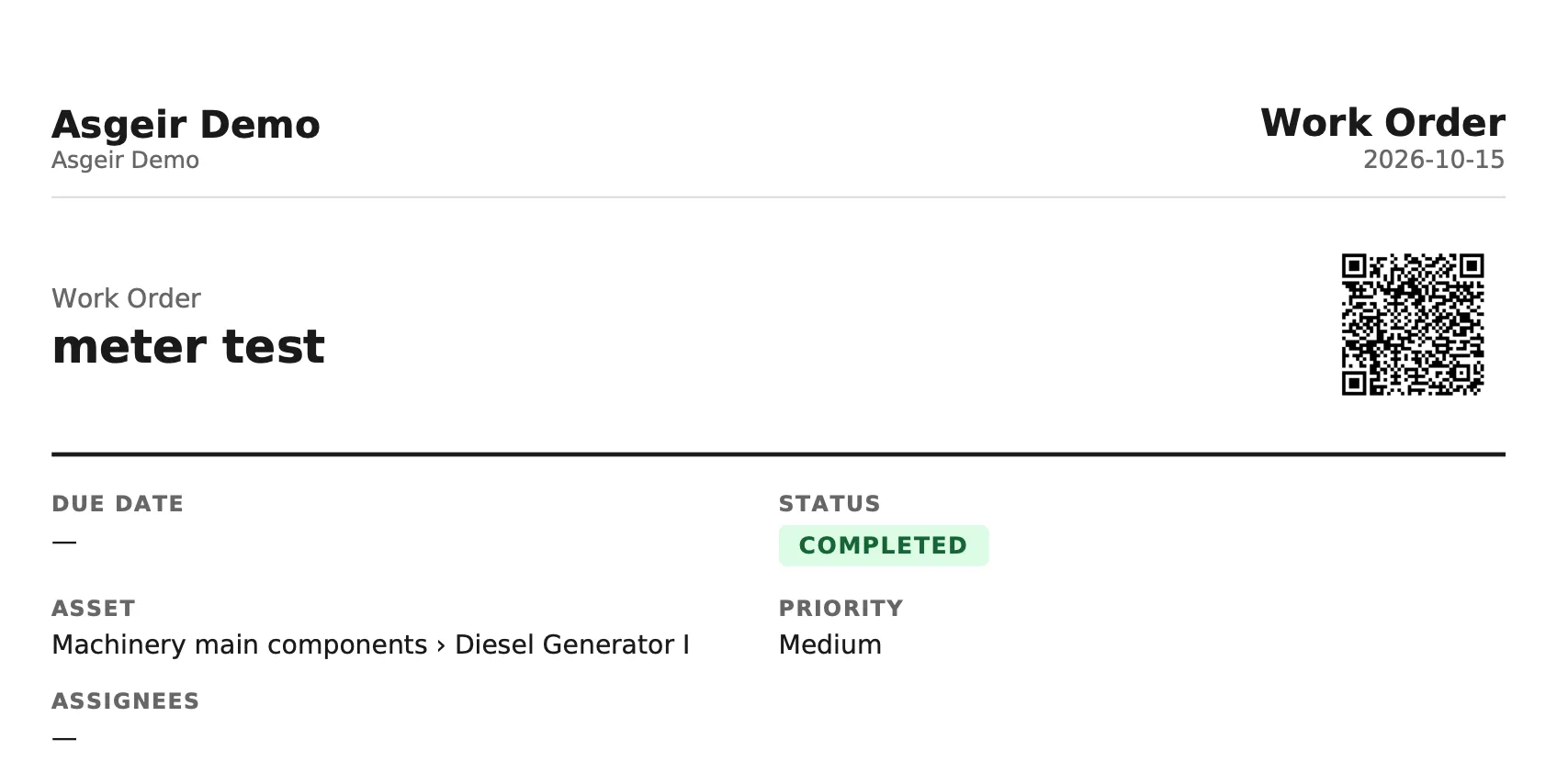
A single completed job — useful for sharing with a contractor, attaching to a warranty claim, or filing in a paper logbook. Include the activity log to add its comments and history.
Order
A purchase order including its lines and supplier.