Welcome to Tero.Ops
Tero.Ops is maintenance and operations software built for fleets, aquaculture sites, and industrial operations. It runs in your browser and installs as a Progressive Web App on phones and tablets — so the same record of an engine room, a spare part, or a job order is available on the bridge, in the office, and on a phone in port.
What you can do
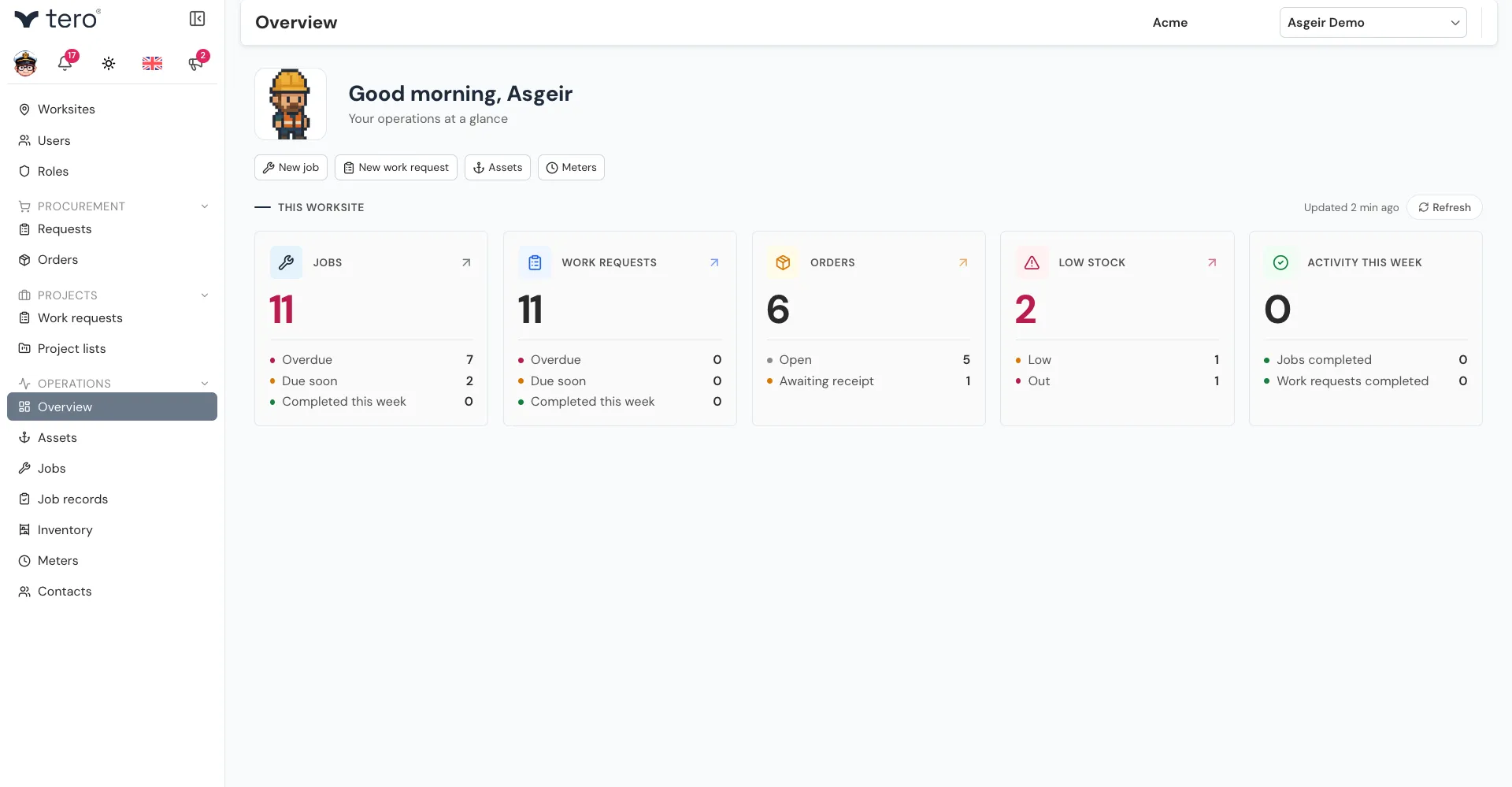
- Track every asset. Hierarchies like vessel → engine → pump → seal, with maintenance history, spare parts, documents, and QR codes per asset.
- Plan and record maintenance. One-off jobs, recurring jobs, calendar-based or meter-triggered preventive maintenance, completion reports with parts used and time spent.
- Run procurement end-to-end. Inventory requests from the field, purchase orders to suppliers, receiving (including partial deliveries), and stock tracking with min/max stock levels.
- Group work into projects. Drydocks, overhauls, and contractor engagements, each with its own contractor, start and end dates, work requests, and status.
- Keep a record. Completed job records hold what was done, by whom, when, with which parts — and export to PDF.
Who Tero.Ops is for
| Role | What you’ll do most |
|---|---|
| Crew / technicians | Open jobs, scan QR codes, record completion, take photos, raise work requests. |
| Maintenance supervisors | Schedule jobs, set up preventive maintenance, review job records, manage job templates. |
| Procurement officers | Take inventory requests onto orders, send orders to suppliers, manage suppliers, receive stock. |
| Project managers | Create projects, set their contractor and dates, and gather work requests into them. |
| Company admins | Configure worksites, invite users, define roles and permissions. |
What Tero.Ops needs to run
A live connection to the server. Work is saved on the server as you go rather than stored on the device, so the app needs to reach it to open a screen and to save a change. See Connection requirements.