Inventory requests
An inventory request is how the field tells the office, “we need this part.” Requests land in the Requests list, where whoever handles procurement takes them forward onto an order.
Submitting a request
Crew raise requests from the Inventory page with Purchase Request, from an asset’s Spare Parts tab, or with Create Request on the Requests page. See Requesting an inventory part for the full walk-through.
Handling a request
Requests appear in Procurement → Requests. The tabs at the top split them into Submitted (not yet on an order), Assigned to Order, and All.
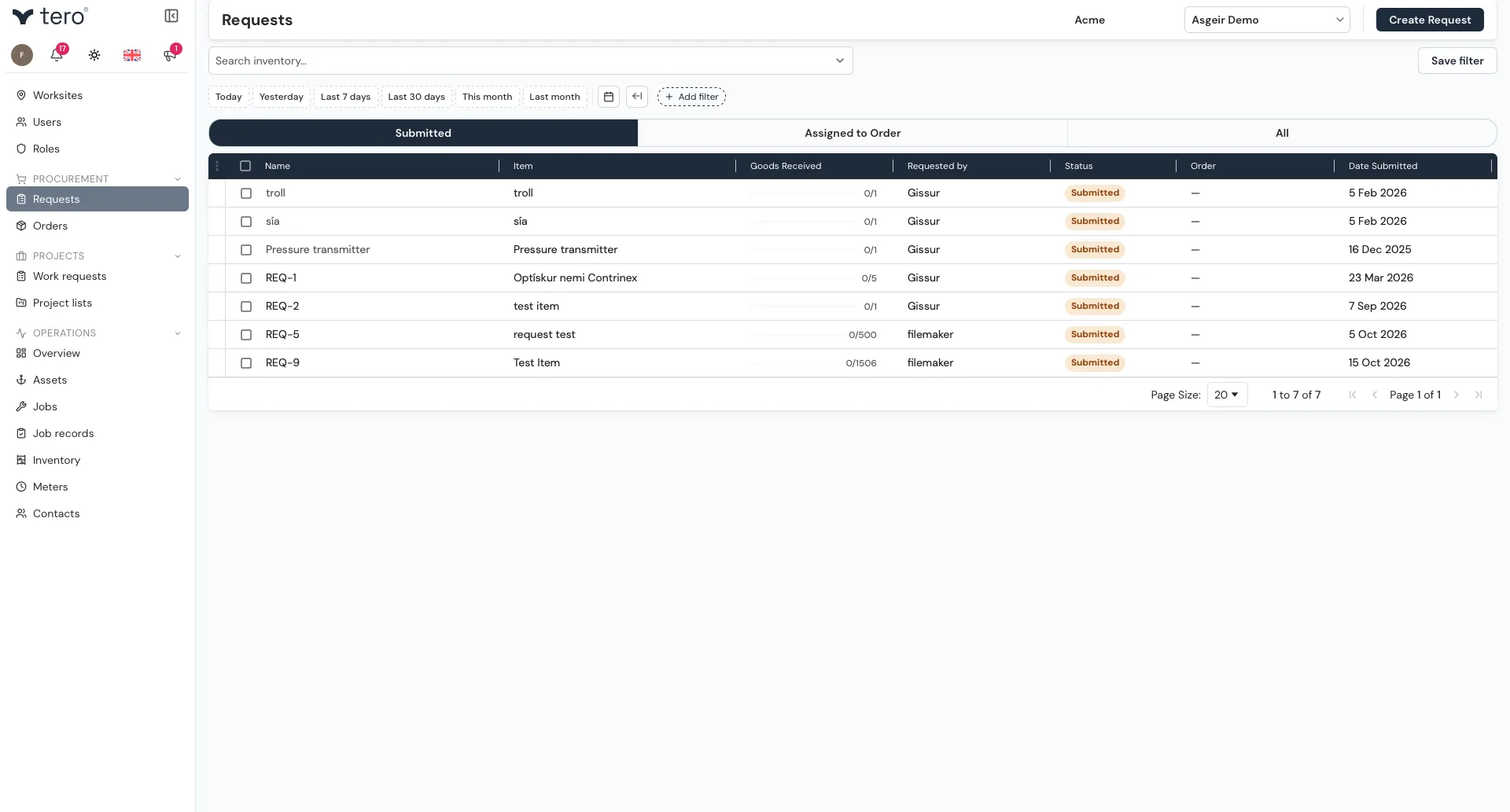
A request carries a status of Submitted or Assigned.
Turning requests into an order
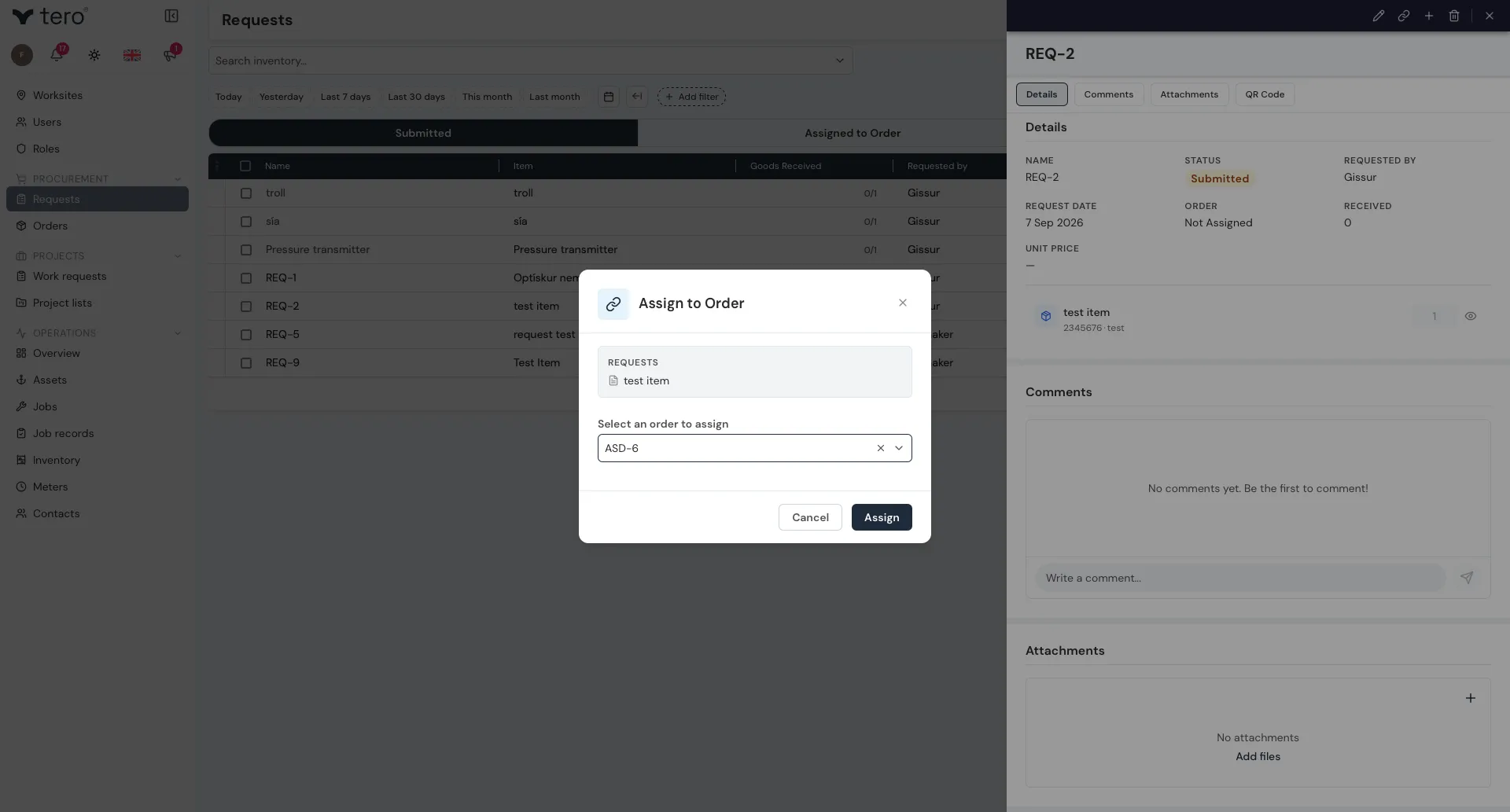
Click the three vertical dots (⋮) at the start of a request’s row, or open the request and use the icons at the top of its side panel:
- Assign to order (chain-link icon) — puts the request on an order that is still open. Pick the order and click Assign.
- Create Order (plus icon) — starts a new order with the request on it.
To handle several requests at once, tick their checkboxes, then click the three vertical dots (⋮) in the list’s header row.
Once a request is on an order, its status changes to Assigned. To take it off again, use Unassign from order (broken-chain icon).
The order is then completed and sent to the supplier — see Purchase orders.