Notifications
Tero notifies you about activity on the records you work with — a new comment, a new attachment, a new task, or a request being put on an order.
The notifications bell
The bell icon sits in the row of icons at the top of the sidebar, next to your avatar. A red badge on the bell shows how many unread notifications you have.
If the sidebar is collapsed, the bell is folded into the three horizontal dots (⋯) button at the top of the sidebar, which carries the badge instead. Click it and choose Notifications.
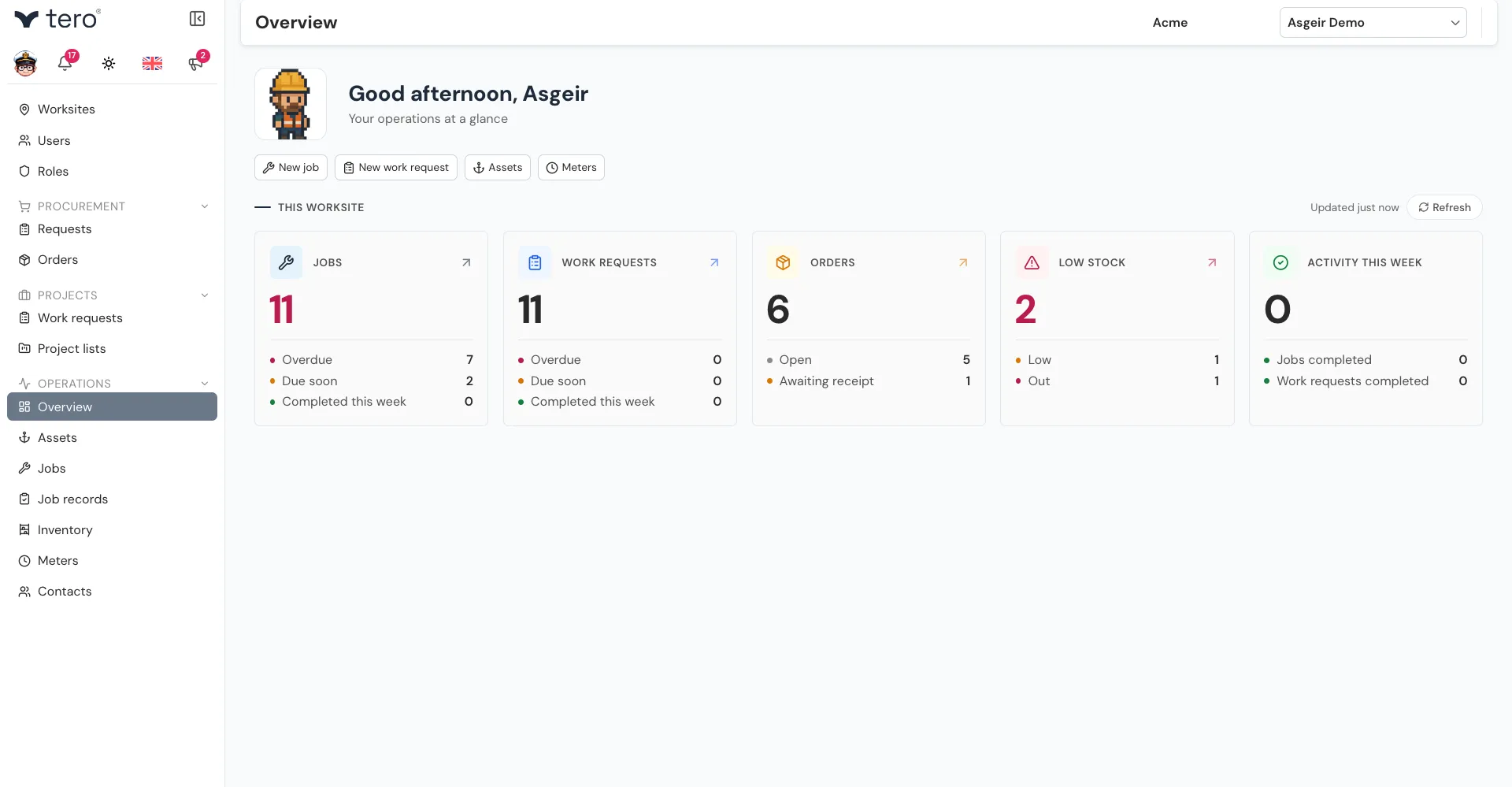
Click the bell to open the panel.
The notifications panel
The panel shows your 20 most recent notifications, newest first, each with how long ago it happened. Unread ones are marked with a dot.
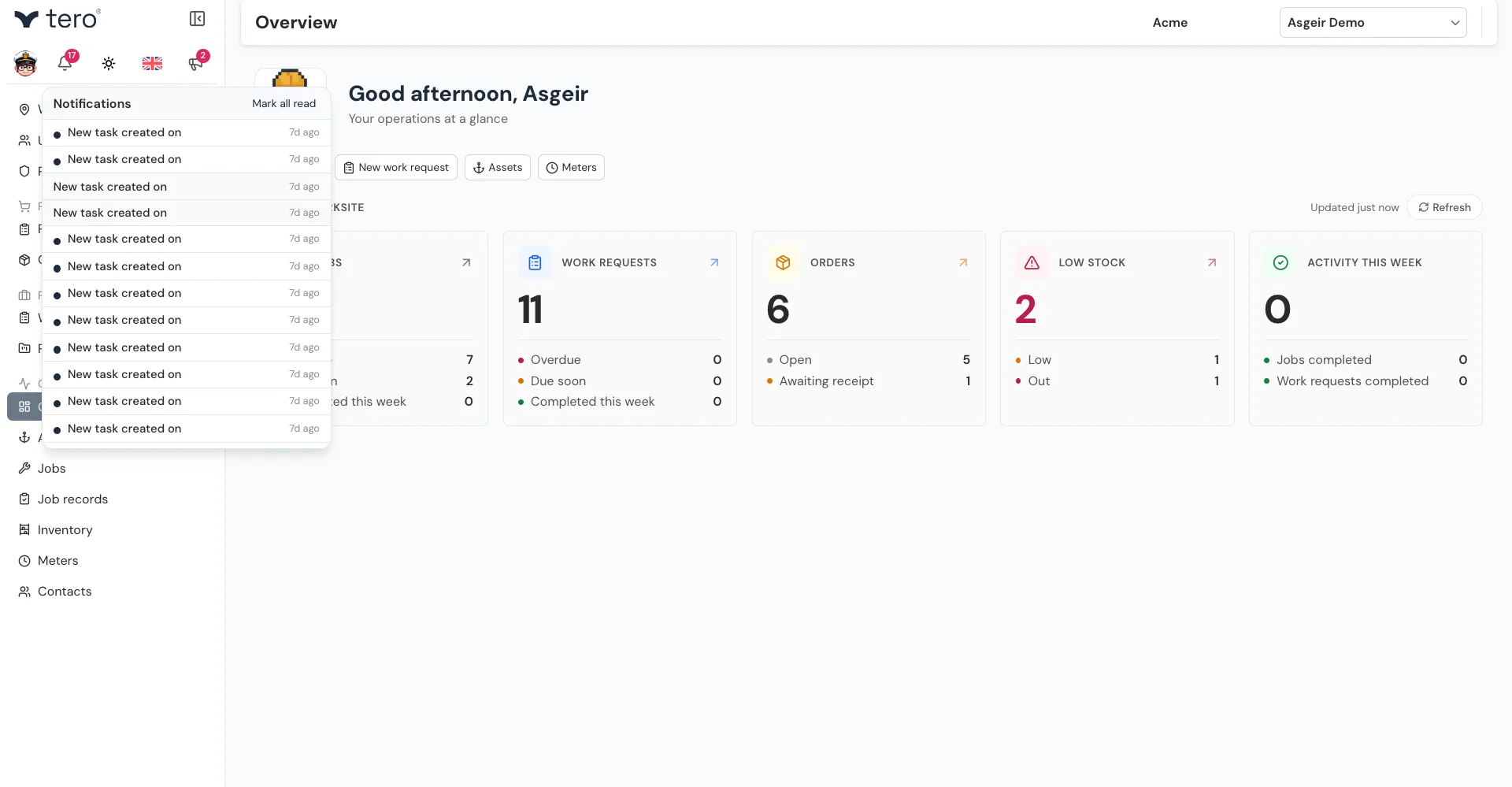
Click a notification to mark it as read and open the record it’s about. Click Mark all read to clear all unread notifications at once.
What you get notified about
The notifications Tero can show you are:
- New comment on a record — e.g. “New comment on job”
- New attachment on a record
- New task created on a record
- Request assigned to order
Each one names the kind of record it happened on — job, job record, order, request, contact, asset, meter, inventory item, project, work request or user.
Which of these actually reach you is decided by the server, so this page lists what the panel can show rather than promising you will receive every one.
Configuring what you receive
Click your avatar (the circle with your initial) to open your profile settings. The Notifications section has one setting for emails: Notify me when my permissions change. It’s recommended to leave it on.
In-app notifications in the bell can’t be configured.